Demystifying Agentic Workflows: It's Just a Loop
“Agentic AI” is everywhere in 2024-2025. VCs love it, startups pitch it, and Twitter debates whether it’s revolutionary or just hype. But what does it actually mean? Let me demystify it with the simplest possible example: a Chrome extension that can browse the web for you.
The Core Idea: A Loop with Tools
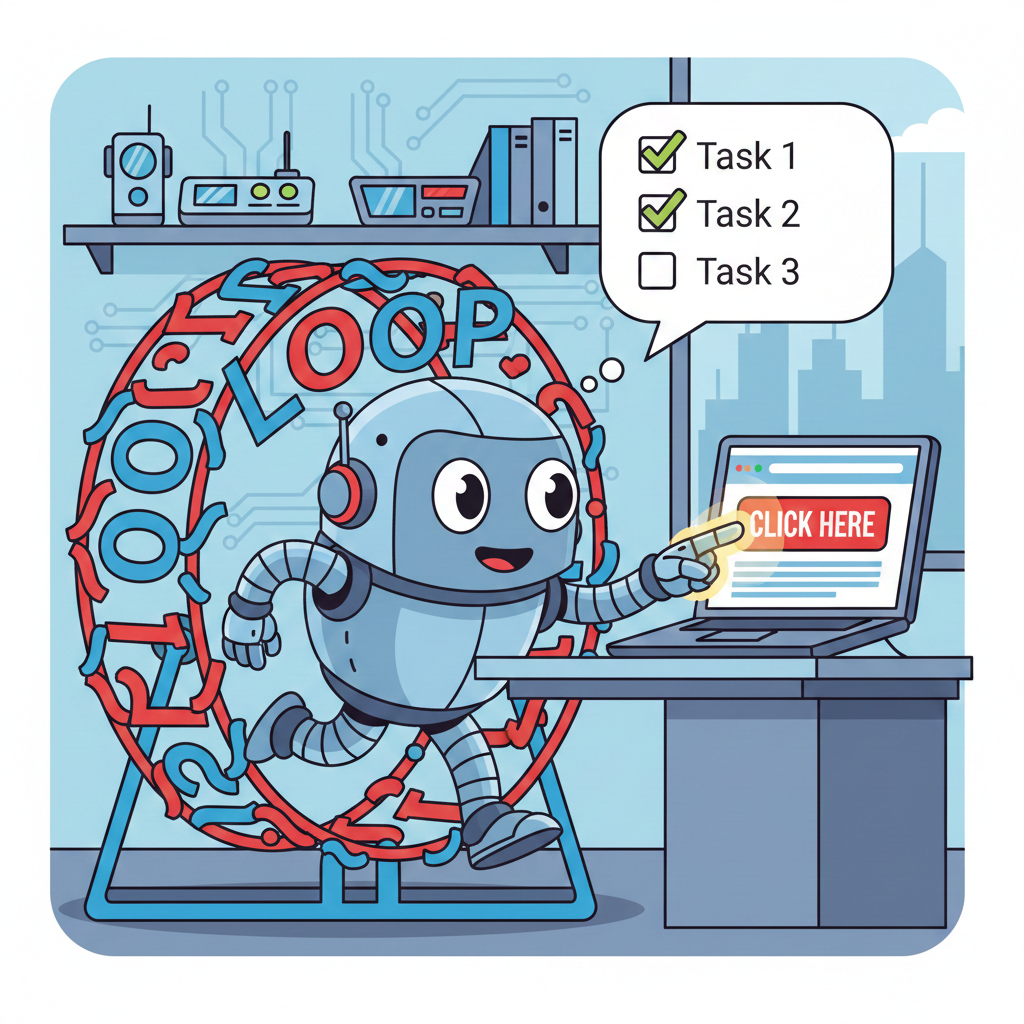
Here’s the secret that strips away all the mystique: an agentic workflow is just a while loop where a language model can call tools and decide when to stop.
That’s it. Really.
while (agent is running):
    1. Show the LLM the current state
    2. Ask it what to do next
    3. If it says "I'm done" → exit loop
    4. Otherwise, execute the tool it requested
    5. Feed the result back to the LLM
    6. Repeat
The “agentic” part comes from the model having agency—it decides what action to take, observes the result, and determines whether to continue or stop. It’s not just answering a question; it’s iteratively working toward a goal.
A Concrete Example: Browser Automation
I built a Chrome extension that lets an LLM control your browser. You ask it something like “Add bananas to my Instacart cart” and it clicks around, fills forms, and navigates pages until the task is done.
Here’s what it looks like in action:
Watch what’s happening:
- I ask the extension to add bananas to my cart
- The agent examines the page, sees what elements are clickable
- It decides to click the search box, types “bananas”
- On the results page, it finds the “Add” button and clicks it
- Crucially: before each click, it highlights the target element with a red border showing “WILL CLICK HERE”
- Once the item is in the cart, the agent stops—it decides the task is complete
The popup panel shows the action log: each click, fill, and navigate_to call. You’re watching the loop in real-time—the agent thinks, acts, observes, repeats.
The Actual Code
Let’s look at the real loop. This runs in the Chrome extension’s background worker:
while (agentState.running) {
    agentState.iterations++;

    // Safety: don't loop forever
    if (agentState.iterations > agentState.maxIterations) {
        break;
    }

    // Ask the LLM what to do next
    const result = await askLLM(settings, agentState.messages, tools);

    // If no tool calls, the agent is done
    if (!result.tool_calls) {
        break;
    }

    // Execute each tool the agent requested
    for (const toolCall of result.tool_calls) {
        const toolResult = await executeTool(tabId, toolCall);

        // Feed the result back into the conversation
        agentState.messages.push({
            role: 'tool',
            content: JSON.stringify(toolResult)
        });
    }
}
Notice how simple this is. The “intelligence” comes from the LLM deciding which tool to call and when to stop—not from complex orchestration logic.
What Makes It “Agentic”?
Three things distinguish an agentic workflow from a simple chatbot:
1. Tools (Actions the model can take)
The LLM isn’t just generating text—it can affect the world. In this extension, the tools include:
click- Click an element on the pagefill- Type text into an input fieldnavigate_to- Go to a URLget_text- Read content from the pagerefresh_elements- Re-scan the page for interactive elements
Each tool has a schema describing its parameters. The model outputs structured JSON to invoke them:
{
    "name": "click",
    "arguments": {
        "element_id": "42"
    }
}
2. Observation (Seeing the results)
After each action, the agent sees what happened. Did the click work? What’s on the page now? This feedback loop is crucial—the agent adapts its strategy based on outcomes, not just its initial plan.
// After clicking, tell the agent what changed
result.updatedElements = await extractInteractiveElements(tab);
3. Autonomous Termination
The agent decides when it’s done. When the LLM responds without any tool calls, it’s signaling “I’ve completed the task” or “I have the answer.” No external logic needs to determine success—the model makes that judgment.
The Safety Layer
Giving an AI the ability to click buttons on the web is… spicy. The extension adds a safety mechanism: certain actions require human approval.
// Before dangerous actions, highlight and wait for approval
if (needsApproval(toolCall)) {
    await highlightElement(tabId, selector, dangerous=true);
    await waitForUserApproval();
}
This shows the element with a red border and pauses execution. You see exactly where the agent wants to click and can approve or reject. If rejected, the model receives a message saying the action was blocked, so it can try something else.
Why This Matters
The term “agentic” sounds fancy, but the implementation is remarkably accessible. You don’t need:
- A PhD in AI
- Massive infrastructure
- Complex orchestration frameworks
You need:
- An LLM API
- Some tools (functions the model can call)
- A loop
That’s the democratizing part of this wave. Anyone who can write a while loop and define a few functions can build an “AI agent.” The hard parts are:
- Defining good tools - What actions make sense? What information does the model need?
- Prompt engineering - How do you describe the task and tools so the model uses them effectively?
- Safety - How do you prevent the agent from doing something destructive?
The Stopping Conditions
A well-designed agent loop has multiple exit conditions:
// 1. Task completed (no more tool calls)
if (!result.tool_calls) break;

// 2. Iteration limit (prevent infinite loops)
if (iterations > maxIterations) break;

// 3. User stopped it
if (!agentState.running) break;

// 4. Context limit (conversation too long)
if (contextSize > MAX_TOKENS) refreshContext();
The iteration limit is crucial. LLMs can get stuck in loops, confidently trying the same failing approach repeatedly. Setting a reasonable cap (10-50 iterations) prevents runaway API bills and hung processes.
Building Your Own
If you want to experiment with agentic workflows, start simple:
- Pick a narrow domain - File management, web scraping, code refactoring
- Define 3-5 tools - Keep it minimal at first
- Write the loop - It’s really just the pseudocode above
- Add safety rails - Confirmation prompts, iteration limits, logging
- Iterate on prompts - This is where you’ll spend most of your time
The Chrome extension I described is open source. It’s about 1,500 lines of JavaScript—not a massive codebase. The core loop is maybe 100 lines.
Conclusion
“Agentic AI” isn’t magic. It’s a while loop where an LLM calls tools and decides when to stop. The Chrome extension that browses the web for you? About 100 lines of loop logic and nine tool definitions.
Next time someone throws “agentic” into a pitch deck, you’ll know what’s behind the curtain.