Princess Memory: Vibe Coding a Family Game from the Couch
My daughter loves memory games. She also loves princesses. So naturally, I built her a princess memory game—and I did it from my couch, using a tiny gamepad and my voice.
Welcome to vibe coding.
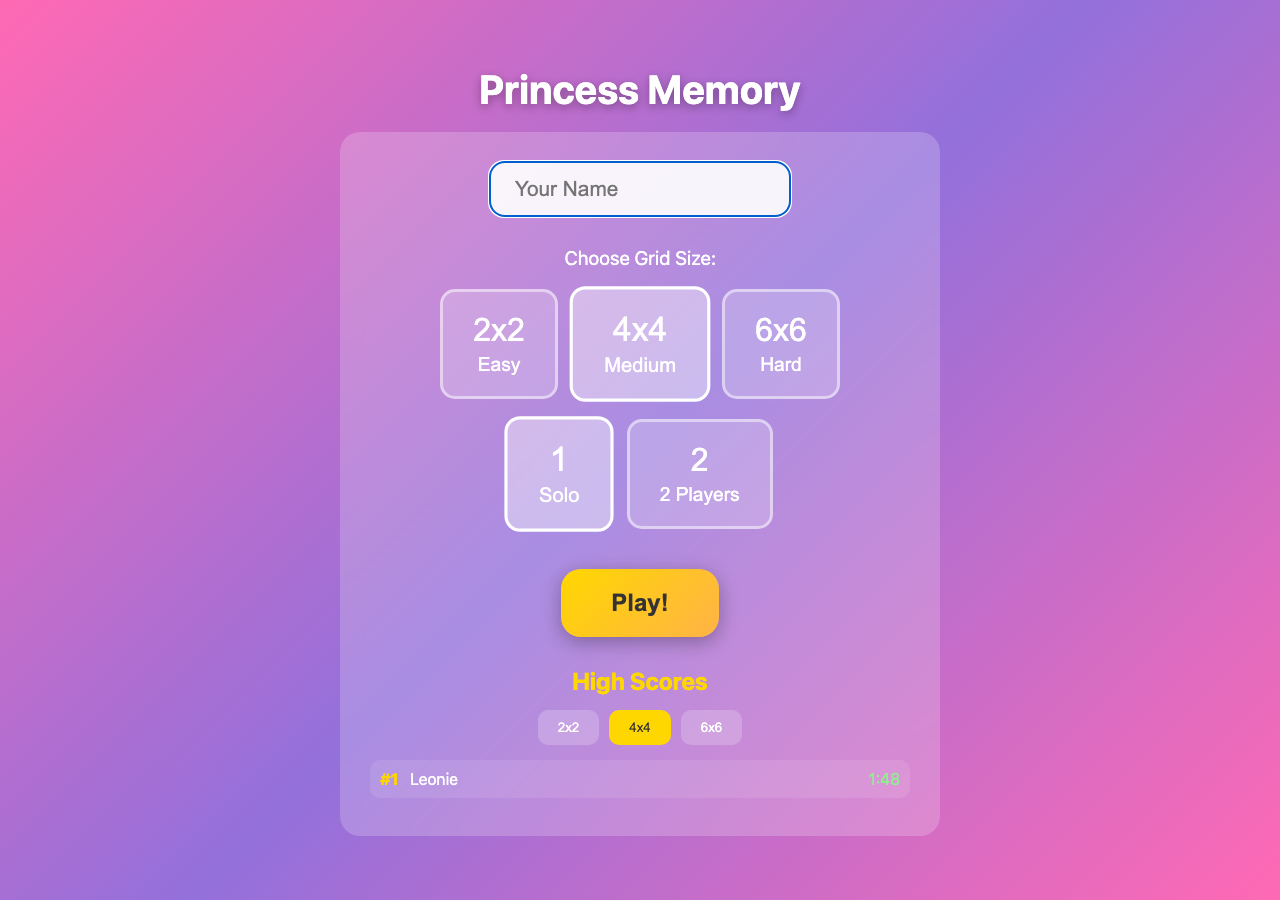
Princess Memory
A simple memory card game with princess themes, high scores, and just enough challenge to keep a 4-year-old (and her dad) coming back for more.
Built entirely through voice coding and a $20 gamepad controller. Because why type when you can talk?
The Setup: Coding Without a Keyboard
Here’s my vibe coding setup:
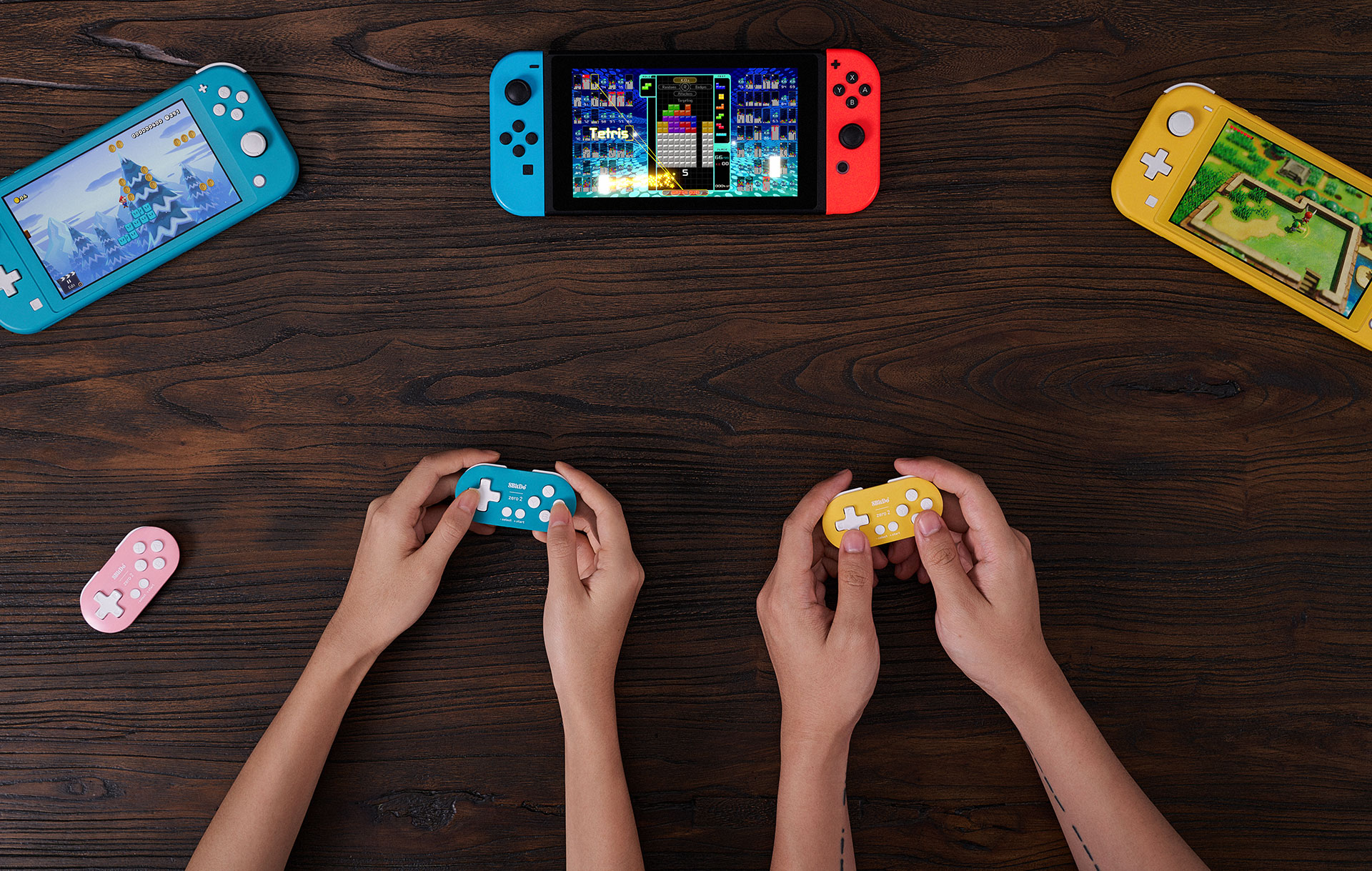
The 8BitDo Zero 2 - keychain-sized and perfect for couch coding. Get it on Amazon
Hardware:
- MacBook on the couch (or bed, or wherever)
- 8BitDo Zero 2 controller (~$20, fits in your palm)
- Voice via built-in mic
Software:
- Karabiner Elements to map gamepad buttons to keyboard shortcuts
- Hammerspoon for voice recording UI
- Local Whisper for speech-to-text
- Claude Code for the actual coding
The idea: navigate tmux windows and panes with the gamepad, dictate instructions to Claude with my voice, approve changes with a button press. Keyboard optional.
The 8BitDo Zero 2 Mapping
The controller sends keyboard codes. Karabiner intercepts them and remaps:
| Button | Action |
|---|---|
| A | Enter (confirm) |
| B | Tab (cycle options) |
| X | Cmd+Shift+D (start voice recording) |
| Y | Arrow Down (scroll) |
| D-pad Up | tmux: previous window |
| D-pad Down | tmux: next window |
| D-pad Left | Close current window |
| D-pad Right | New window |
| R | tmux: next pane |
| L | Reserved |
The magic is in the device-specific rules. Karabiner only applies these mappings when the 8BitDo is the input device (vendor_id: 11720, product_id: 36888), so your regular keyboard works normally.
Voice Recording: Right Option Key
Press Right Option (or Cmd+Shift+D, or the X button on the gamepad) and start talking:
- A recording UI appears with a waveform visualization
- Speak your instruction: “Add a high score feature that persists to local storage”
- Silence detection stops recording automatically (configurable, default 1.5s)
- Local Whisper transcribes your speech
- Press Tab to insert the text + Enter
Real-time waveform, silence detection, and live transcription powered by Whisper large-v3 on Metal.
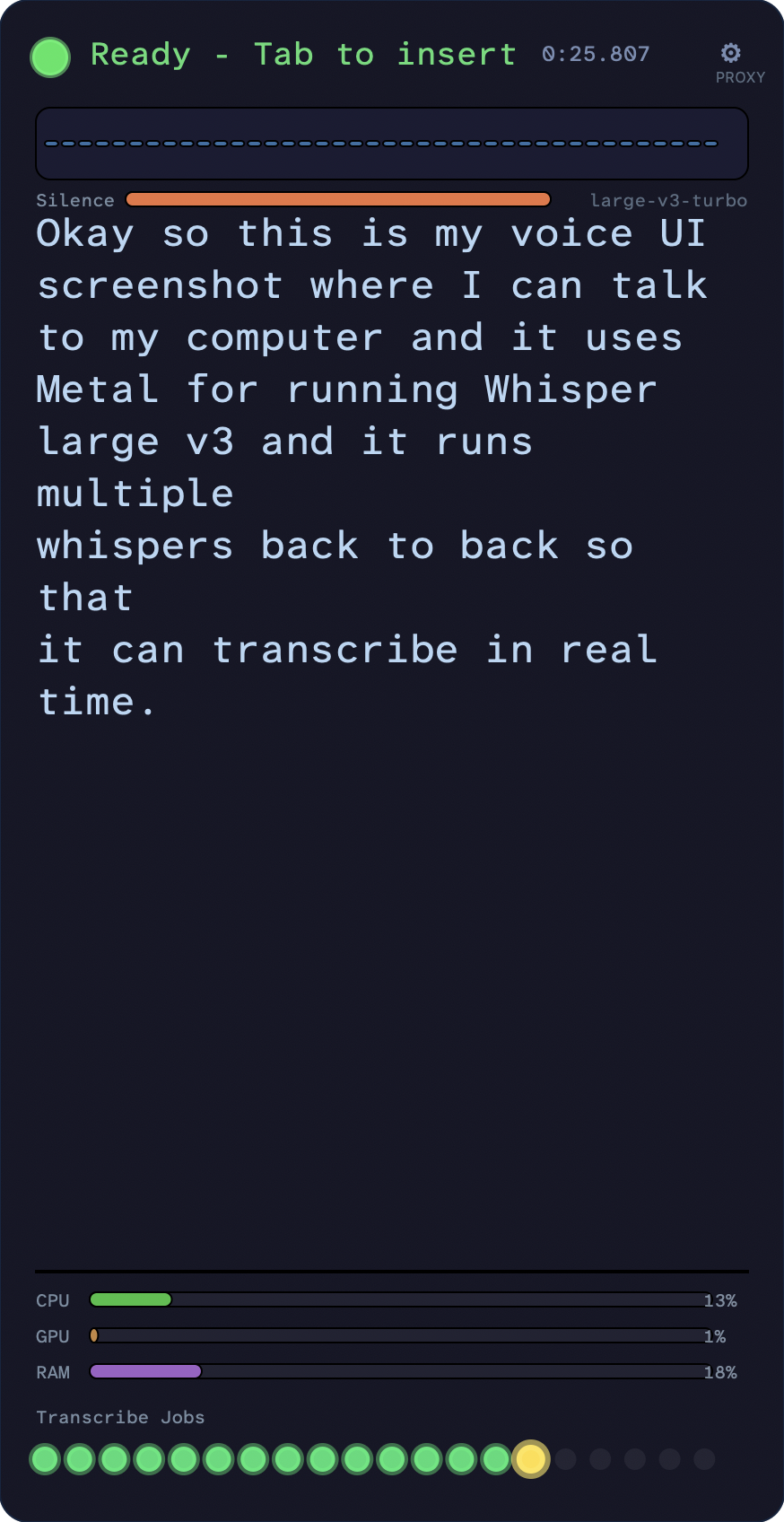
The UI shows:
- Recording status (red pulsing dot)
- Real-time audio levels (waveform)
- Silence progress bar (shows when it’ll auto-stop)
- Transcription preview
The transcription runs multiple Whisper instances back-to-back on Apple Silicon, using MLX for GPU acceleration. This gives near real-time feedback as you speak.
Settings accessible via Cmd+Ctrl+V:
- Whisper backend (local MLX, remote proxy, or Mac Whisper)
- Silence duration threshold
- UI mode (full panel, mini overlay, or just a dot)
- Auto-enter toggle
Why This Works
The ergonomics matter more than you’d think:
No context switching. I’m looking at the same screen whether I’m reading code, dictating changes, or reviewing diffs. The gamepad stays in my hand.
Voice is faster for intent. Typing “refactor this to use a reducer pattern” takes 20 keystrokes. Saying it takes 2 seconds and I can be more descriptive: “refactor this to use a reducer pattern, make sure to handle the loading and error states properly, and add TypeScript types.”
Physical comfort. Coding from a couch, bed, or standing with the laptop on a counter. No RSI from marathon typing sessions.
Family-compatible. Daughter on my lap? Voice coding. Kid sleeping next to me? Gamepad-only mode with typing in short bursts.
The Princess Memory Game
Built in about 2 hours of vibe coding sessions spread across a week. Features:
- Princess-themed cards (crowns, castles, unicorns, etc.)
- Difficulty levels (4x3, 4x4, 6x4 grids)
- High scores with local persistence
- Sound effects (match sounds, victory fanfare)
- Mobile-friendly (works on iPad too)
The funniest part: my daughter keeps trying to touch the MacBook screen like it’s a touchscreen. She’s so used to the iPad that she assumes all screens are touchable. It’s endearing—and maybe I should add touch support just for her.
Try It Yourself
The vibe coding setup requires some upfront investment:
- 8BitDo Zero 2 (~$20) - Any gamepad works, but this one is tiny and Bluetooth
- Karabiner Elements (free) - For button remapping
- Hammerspoon (free) - For the voice UI (voice-ui on GitHub)
- Whisper (free) - Speech to text (I use MLX-optimized local models)
The config files are in my dotfiles. The key insight: you don’t need a perfect setup. Start with voice recording + Enter, add gamepad navigation later. The best workflow is the one you’ll actually use.
Built with vibe coding. Daughter-tested, dad-approved.
Illustrations generated by AI. Article partially generated with AI.